Products
Exact
Saved products like your preferred coconut milk are used directly in future calorie and macro calculations.
MacroMan calculates calories, protein, carbs, and fat from the ingredients, products, and meals you already saved, so coconut milk means your coconut milk, not a generic average.
Precision comes from your saved ingredients, products, and meals, not from one-size-fits-all nutrition averages
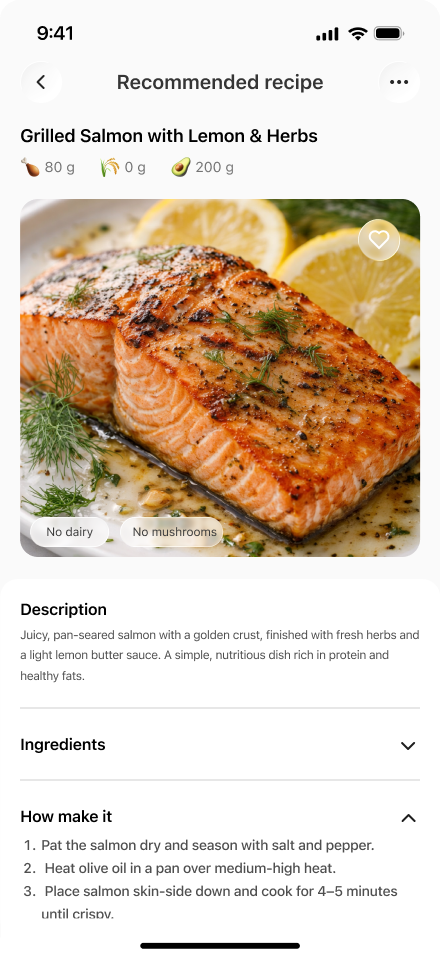
MacroMan builds personalized nutrition accuracy from what you already saved in the app. If you added a specific coconut milk, chicken product, or homemade meal before, MacroMan can use that exact data instead of broad database averages.
Saved products like your preferred coconut milk are used directly in future calorie and macro calculations.
Saved ingredients make protein, carbs, and fat calculations more relevant to what you actually buy and eat.
Saved meals let MacroMan reuse your own recipes and repeated food combinations for future entries.
That is how MacroMan delivers more personalized calorie, protein, fat, and carbohydrate tracking.
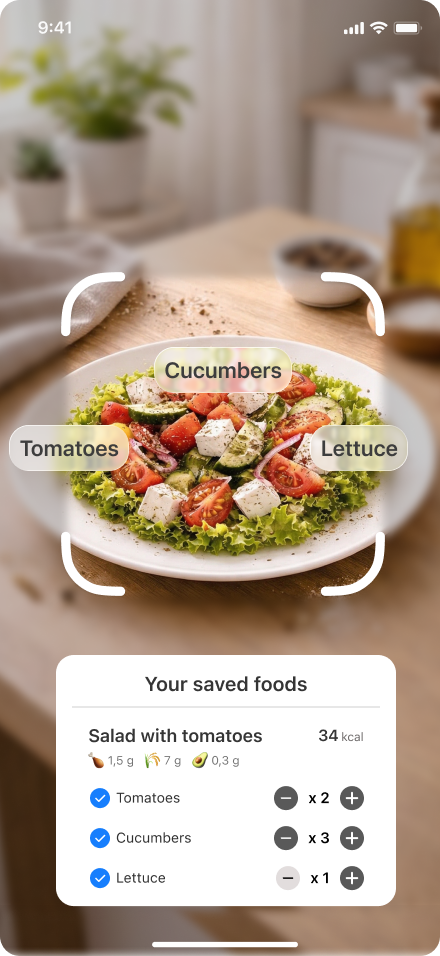
When you photograph a meal, MacroMan checks ingredients and meals already stored in your app. That means the result can come from your own saved coconut milk, your own saved chicken, or your own saved recipe, not from a generic estimate.
Previously added foods help MacroMan identify the exact products you actually use.
Photo logging becomes more precise when the app can match ingredients from your own history.
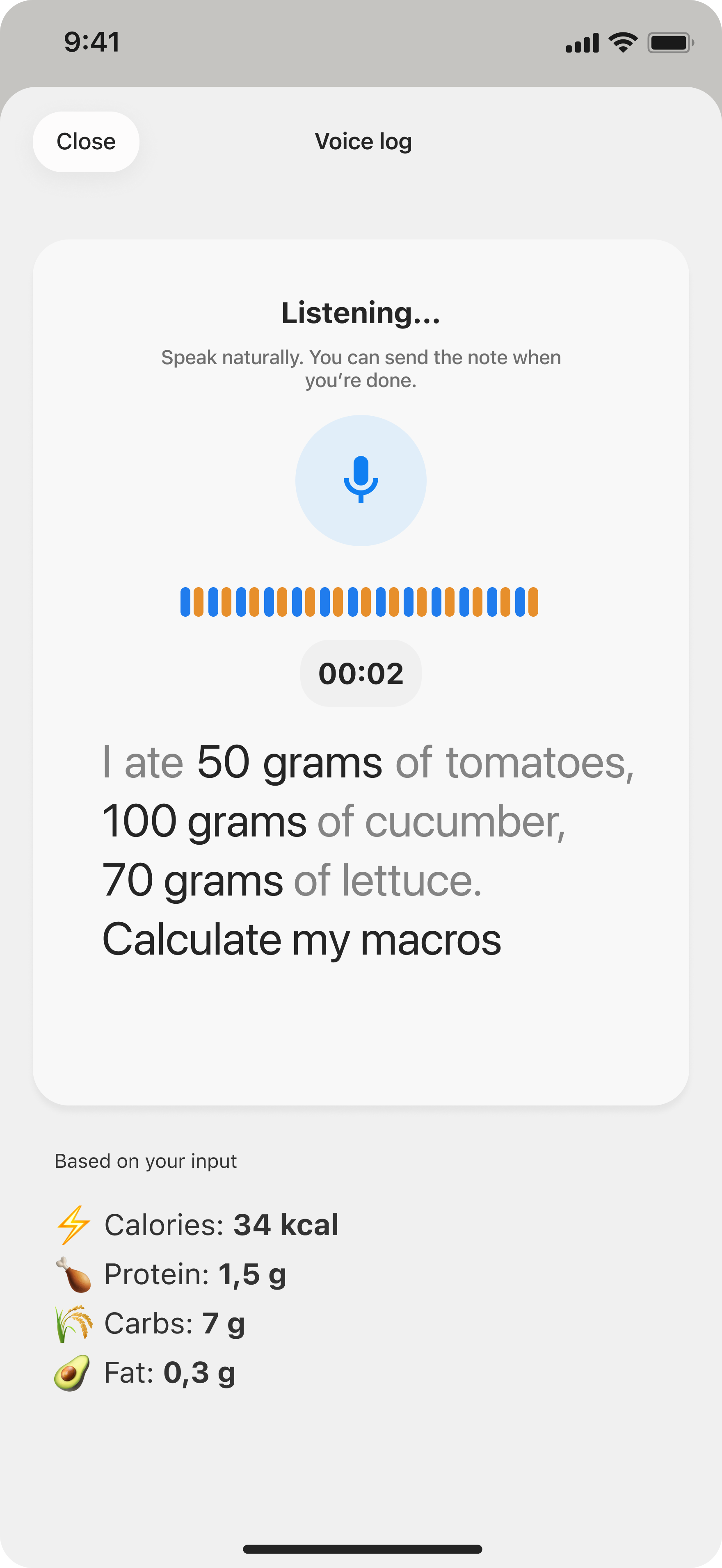
The app can connect what it sees on screen with meals you already built and stored before.
That is what makes the result more personalized: it comes from your saved data, not a broad average.
MacroMan improves over time because your saved ingredients, products, and meals become reusable reference points for future calculations. That is how the app keeps accuracy personal to your own food habits.
When you save a specific product once, MacroMan can use that same product again instead of falling back to generic nutrition averages.
Common foods you log often become part of your personal ingredient library, which improves future photo, voice, and manual entries.
Saved meals and recipes help MacroMan calculate repeated breakfasts, lunches, and dinners with much less guesswork.
Every feature in MacroMan supports the same goal: build a better personal food library, then use it to calculate calories, protein, carbs, and fat with more personalized accuracy.
Speak ingredients and portions out loud, then connect them to foods you already saved for more precise calorie and macro results.
Photograph your meal and let MacroMan match it against saved ingredients, products, and meals already in your account.
Reuse meals you already created so repeated food entries stay faster and more consistent from one day to the next.
Build a personal food library that turns generic calorie counting into a more personalized tracking system.
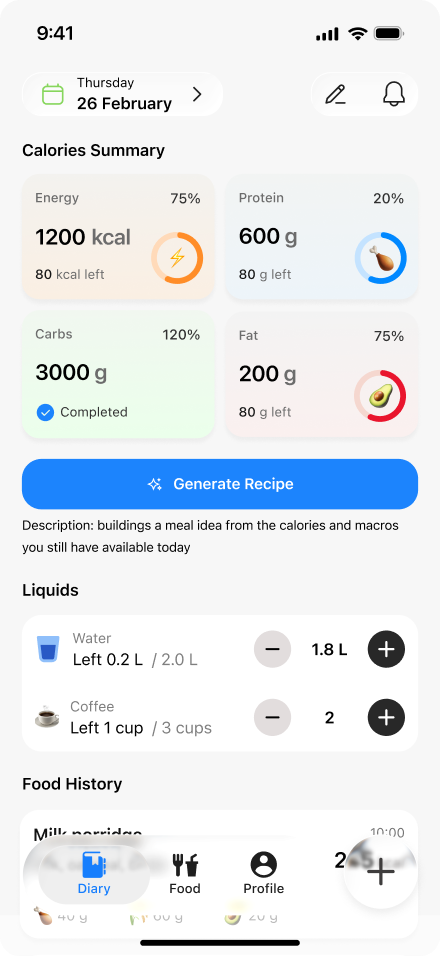
See calories, protein, carbs, and fat calculated from foods and meals that are actually yours.
The more you save in MacroMan, the less often you have to rely on average nutrition values that do not match your real foods.
Widgets, barcode scanning, and iCloud sync all support the same personalized system: save better food data once, then keep using it across your Apple devices.
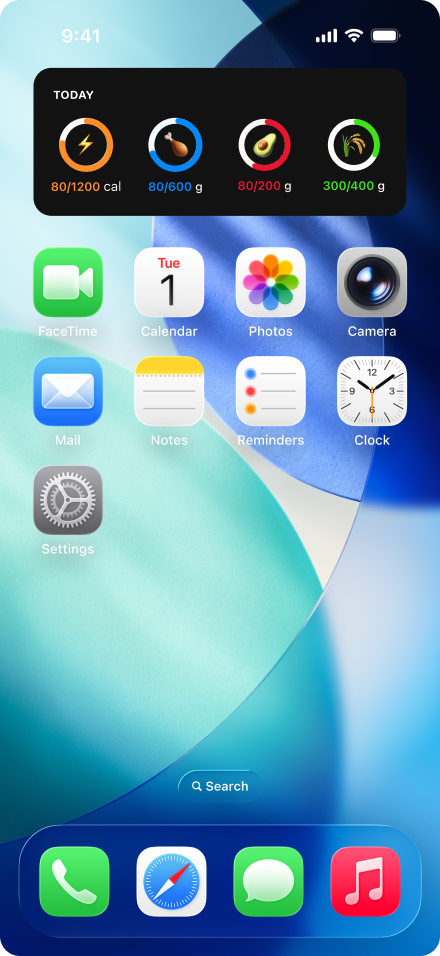
Widgets show calorie and macro progress based on the same saved foods and meals you already logged in the app.
Scan packaged foods once, save the exact product, and use that exact item in future calorie and macro calculations.
Saved foods, saved meals, and macro progress stay updated across iPhone, iPad, and Mac with iCloud sync.
The main reason people stay with MacroMan is simple: calories, protein, carbs, and fat are calculated from foods they actually saved, not from averages that do not reflect what they buy and eat.
That one difference changed the whole app for me. My meals now feel personalized because MacroMan keeps using the exact foods I saved earlier.
When I log repeated meals, MacroMan uses my own ingredient history, so the calories and macros feel much more accurate than generic tracking apps.
Barcode scan, saved meals, and iCloud sync make it easy to build my own food library and keep using it across every device.
These are the key questions people ask when they want calories, protein, carbs, and fat calculated from foods they already saved instead of from average nutrition values.
MacroMan calculates from ingredients, products, and meals you already saved in the app. If you saved a specific coconut milk before, MacroMan can use that exact item instead of a broad average, which leads to more personalized calories, protein, carbs, and fat.
Each saved product, ingredient, and meal becomes reusable reference data for future entries. That means MacroMan can keep calculating from your own foods more often, which reduces generic guesses and improves personalized macro tracking.
Yes. MacroMan supports iCloud sync so your saved foods, saved meals, calories, and macro progress stay up to date across all your Apple devices.
MacroMan turns saved ingredients, saved products, and saved meals into a more personalized nutrition system, so calories, protein, carbs, and fat are calculated from your own food history.