
Become a beta tester.
Get 4 free food scans every 24 hours.
Be first to try new MacroMan features. Tell us what works, what feels missing, and what could make tracking your meals easier.
- 4 free food scans every 24 hours
- Early access to upcoming features
- A direct line to the team through your feedback
Your first beta scan starts here.
Get TestFlight
Install Apple’s free TestFlight app on your iPhone.
Join the MacroMan beta
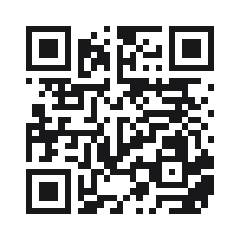
Scan the QR code above or tap Join the beta. Follow the invitation and accept the beta.
Install and open MacroMan
Tap Install in TestFlight, then open the MacroMan beta. Use TestFlight to keep your beta up to date.
Sign in with Apple
Sign in inside MacroMan to activate your beta allowance. Already have an account? Use the same sign-in to keep your diary and balance together.
A little more room to explore.
Beta testers get a total of 4 free food scans per 24-hour allowance period, instead of the standard 2. Your existing allowance’s reset time stays the same.
Unused scans do not roll over. Signing in again or reinstalling does not reset your balance. The beta allowance applies while using the beta version; switching to the App Store version restores the standard allowance.
Already on MacroMan Pro? You keep your subscription’s allowance. Beta access does not include other Pro features.
Your feedback shapes the next release.
Try the new features, share quick impressions, and report anything that gets in your way. A screenshot and a few steps to reproduce a problem help us fix it.
Open TestFlight, choose MacroMan, then tap Send Beta Feedback. You can also email help@macro-man.com.
Once your beta access is activated, we’ll send a confirmation email and a push notification if notifications are enabled. The beta may contain unfinished features and bugs.
Make the next MacroMan yours.
Join the beta. Sign in with Apple. Start exploring.
Join the beta